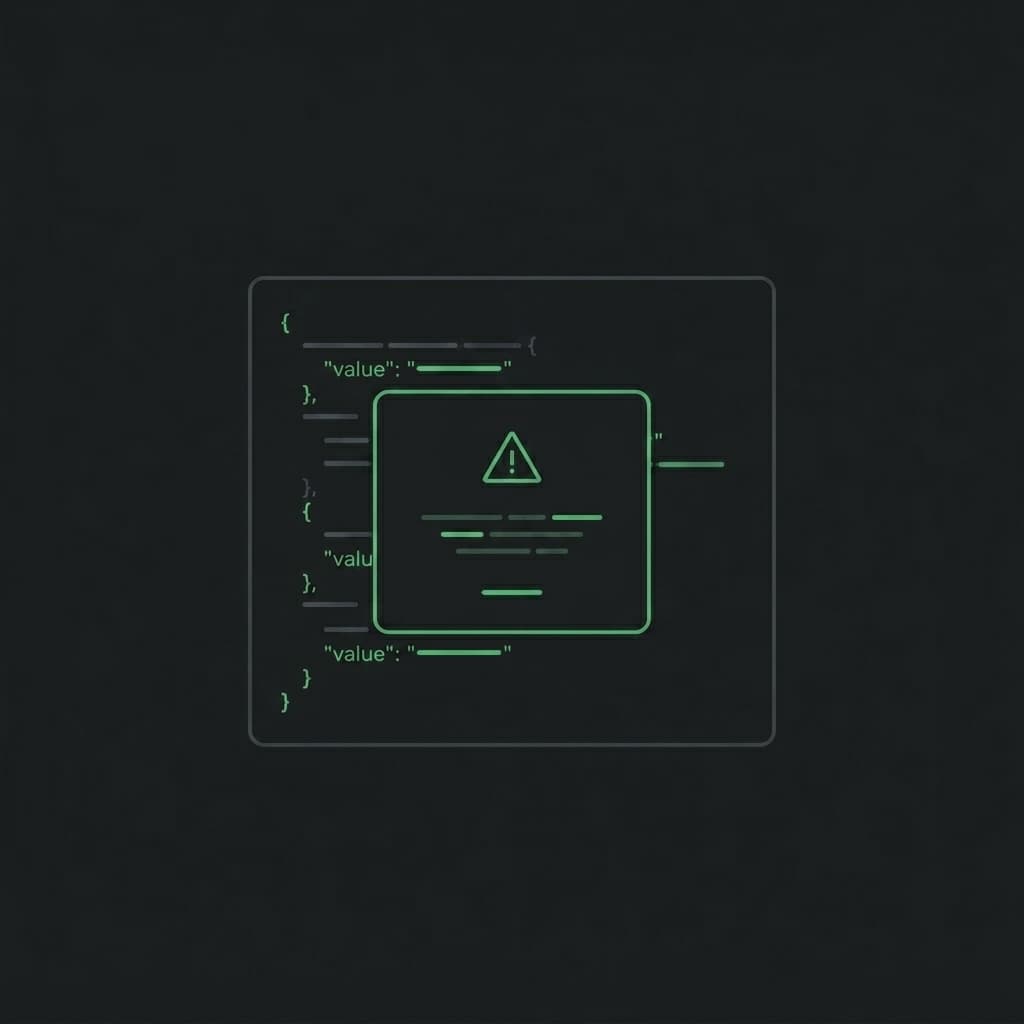
Yesterday we shipped a focused round of UX polish to the BytesBit JSON Editorand the global navigation. None of these are big-banner features - they're the kind of details that quietly make a tool feel finished: icon consistency, destructive-action guardrails, correct stacking, and a page height that actually fills the screen. Here's everything that landed.
Format Options Are Now Inline Buttons
The Formatdropdown in each panel's second toolbar row has been replaced with three direct inline buttons - Smart, Expand, and Compact - sitting right there in the row without an extra click. These are the most-used actions in the editor; burying them behind a chevron added unnecessary friction every single time.
Sort stayed as a dropdown (A→Z, Z→A, By field), because sorting is an occasional action and the three options together would have crowded the row. The row now scrolls horizontally on narrow panels rather than wrapping or clipping buttons.
Repair Moved to the Error Bar
The Repairbutton was previously always visible in the format row - even when the panel contained perfectly valid JSON. It now appears only inside the red error bar that shows when JSON is invalid. This keeps the toolbar clean and makes the repair action contextually obvious: it appears exactly when it's needed, right next to the error it would fix.
Copy-to-Panel Is Now Gated by a Confirmation Dialog
Clicking the left or right arrow in the center column to copy one panel's content over the other is a destructive action - it silently overwrites everything in the target panel. Previously it executed immediately with only a toast message.
Now a modal appears first: “This will replace all content in the right panel with the content from the left panel.” The user must click Overwrite to proceed or Cancel to go back. The dialog uses the Lucide triangle-alerticon in amber - the standard visual signal for “this is irreversible.”
Center Bar Icons Replaced with Lucide
Every icon in the center column strip - copy arrows, swap, compare, diff navigation chevrons, and clear - has been replaced with the matching icon from Lucide. Lucide icons share a consistent stroke width, cap style, and optical weight, so the center bar now reads as a single coherent set of controls rather than a mix of hand-drawn paths from different sources.
The specific icons used:
- arrow-left / arrow-right - copy between panels
- arrow-left-right - swap panels
- columns-2 - compare / diff
- chevron-up / chevron-down - navigate differences
- x - clear active diff
- triangle-alert - destructive-action warning
Compare Button SVG Alignment Fixed
The Compare button icon was visually misaligned - it rendered several pixels below the button's vertical centre due to inline SVG baseline behaviour. Adding display: block to the SVG element removes the implicit line-box gap and centres it correctly within the flex row.
Navigation Drawer: 1 Card Per Row & Proper Stacking
Two bugs in the global hamburger drawer were fixed in this release:
- Layout: The tools grid previously used
grid-template-columns: 1fr 1fr, showing two cards side by side. With descriptions and tag pills, the narrow cards were hard to scan. They now stack in a single column - each card gets the full drawer width, the description is readable, and the layout feels like an intentional list rather than a compressed grid. - Z-index: The drawer overlay was at
z-index: 199and the drawer itself atz-index: 200. The JSON editor's toolbar and CodeMirror layers use stacking contexts that were beating those values, causing the drawer to render partially beneath the editor on the JSON Editor page. The overlay is now atz-index: 1000and the drawer at1001, which puts them above every page-level element without interfering with browser chrome.
Page Height Accounts for the Navbar
The .bb-page container used min-height: 100vh, which caused full-height tool pages to overflow the viewport by exactly the navbar's 56 px height - requiring an unwanted scrollbar on pages that should be perfectly flush. The rule is now:
:root { --bb-navbar-h: 56px; }
.bb-page { min-height: calc(100vh - var(--bb-navbar-h)); }
One CSS variable controls the value; if the navbar height ever changes, only that variable needs updating.
Selection Highlight Click-Through Fixed
The CodeMirror editor's drag-selection layer had been raised to z-index: 5(necessary so drag selections visually override the active-line tint). A side effect: the layer was intercepting mouse events before they reached the text content, which meant clicking a line after a drag selection didn't collapse the selection back to a cursor - it kept the highlighted range instead.
The fix is pointer-events: none !important on both .cm-selectionLayer and .cm-selectionBackground. The layer stays visually elevated but every click falls straight through to .cm-content, where CodeMirror's event handlers handle selection collapse correctly.
All of these improvements are live now. Open the editor, paste any JSON, and see how each change feels in practice.
Open JSON Editor →What's Next
The roadmap continues to focus on reducing friction for power users: keyboard shortcut overlays, per-panel view-mode persistence, and a minimap for navigating large documents. If something feels off or you have a feature request, the editor is always at bytesbit.app/json-editor.