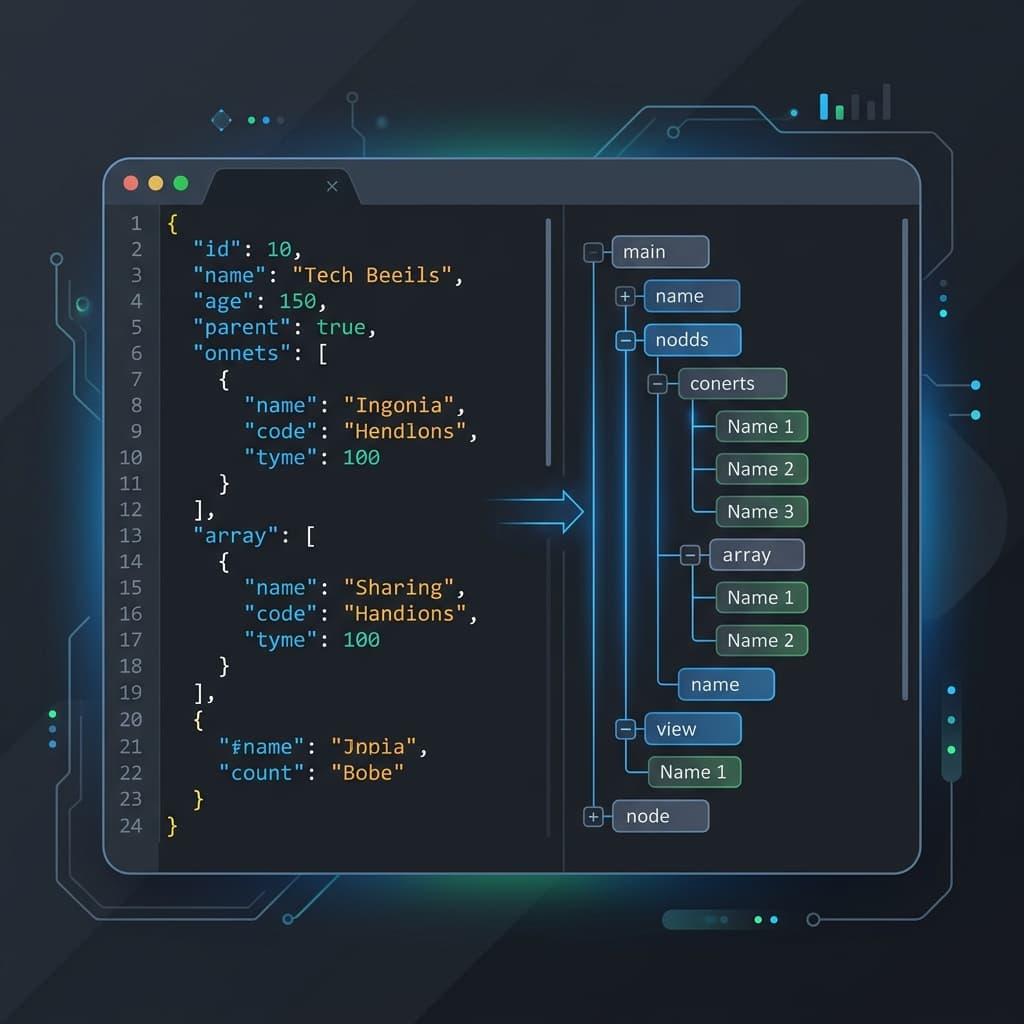
Whether you're debugging an API response, editing a config file, or exploring a dataset, a good JSON editor can save you hours. But with dozens of options available, which ones are actually worth using in 2026?
We tested the most popular online JSON editors across five key criteria: speed, privacy, features, mobile support, and developer experience. Here's what we found.
What We Looked For
- View modes: Code view, tree/node editor, and table view
- Validation & repair: Real-time error detection and auto-fix
- Privacy: Does data leave the browser? Is processing server-side?
- Performance: How does it handle large files (1MB+)?
- Extras: Formatting, minification, diff, search, schema support
1. BytesBit JSON Editor
Best for: Privacy-conscious developers who want a full-featured editor.
BytesBit runs entirely in the browser - your JSON never touches a server. It supports code, tree, and table views with real-time validation, auto-repair for common issues (trailing commas, single quotes), and a dual-panel layout for comparing documents side by side.
- ✅ 100% client-side - zero data leaves your browser
- ✅ Code, tree, and table views
- ✅ Auto-repair for broken JSON
- ✅ Dark/light theme with Supabase-quality design
- ✅ PWA - works offline
Format, validate, compare, and transform JSON - free, private, and beautiful.
Open JSON Editor →2. JSON Editor Online (jsoneditoronline.org)
Best for: Users who need a familiar interface with advanced transform features.
The original online JSON editor - well-maintained and feature-rich. Supports JMESPath queries, JSON Schema validation, and a powerful tree editor. The downside: it processes data server-side for some features and has a premium tier.
- ✅ Mature, well-documented
- ✅ JMESPath query support
- ⚠️ Some features require account/payment
- ⚠️ Data may be processed server-side
3. JSON Crack (jsoncrack.com)
Best for: Visual learners who want to see JSON as a graph.
JSON Crack takes a unique approach - it renders your JSON as an interactive node graph. Great for understanding deeply nested structures at a glance. Less useful for editing large files, but excellent for exploration and documentation.
- ✅ Stunning visual graph representation
- ✅ Good for documentation screenshots
- ⚠️ Struggles with large files (>100KB)
- ⚠️ Limited editing capabilities
4. JSON Formatter & Validator (jsonformatter.org)
Best for: Quick formatting and validation with minimal UI.
A no-frills tool that does one thing well: formats and validates JSON. Paste in your data, click format, copy the result. No tree view, no comparison - just fast formatting.
5. JSON Hero (jsonhero.io)
Best for: Exploring API responses with type-aware preview.
JSON Hero automatically detects dates, colors, URLs, and images in your JSON and renders them with rich previews. The column-based navigation is intuitive for drilling into nested structures.
6. Code Beautify JSON Editor
Best for: Basic formatting with broad format conversion.
Part of the larger Code Beautify suite, this editor offers JSON-to-XML, JSON-to-CSV, and other conversions. The interface is dated but functional for quick tasks.
7. VS Code (web version)
Best for: Developers who want a full IDE experience.
vscode.devgives you the full VS Code editor in the browser. With extensions like Prettier and JSON schema support, it's the most powerful option - but also the heaviest for simple tasks.
The Verdict
For most developers, the sweet spot is a tool that's fast to open, runs locally, and has tree + code views. That's why we built BytesBit JSON Editor - it loads instantly, never sends your data to a server, and supports the workflows developers actually use daily.
But every tool has its niche. If you need graph visualization, try JSON Crack. If you need JMESPath queries, JSON Editor Online is solid. Pick the right tool for the job.