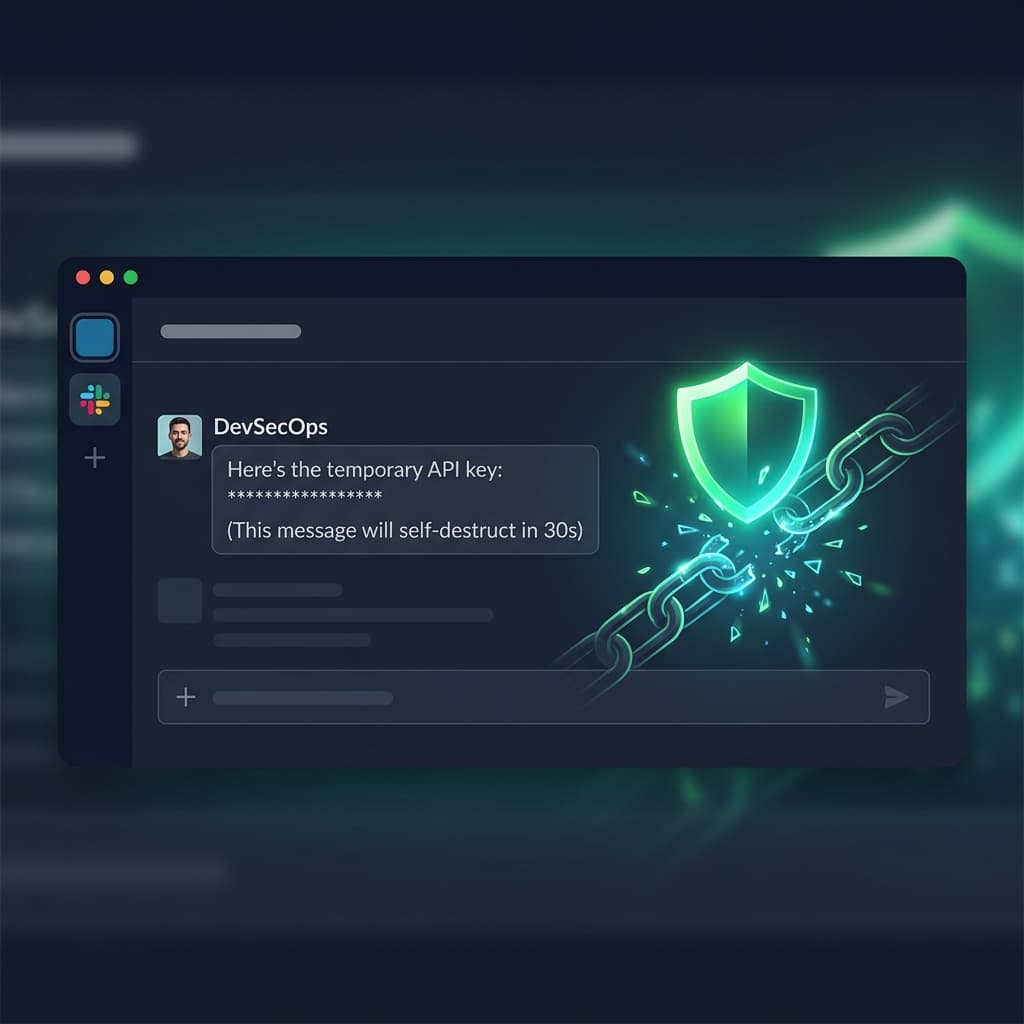
It happens every day in companies around the world: someone needs to share a database password, an API key, or an SSH credential - and they paste it straight into a Slack DM. It feels convenient. It feels fast. But it's one of the most dangerous habits in modern software development.
The Problem With Chat-Based Credential Sharing
When you send a password through Slack, Microsoft Teams, or email, that credential is permanently stored in multiple places:
- The chat service's servers (often in plaintext or encrypted-at-rest only)
- Every device that syncs the conversation - laptops, phones, tablets
- Slack's search index - anyone with workspace access can find it
- Compliance exports and backup archives
- Third-party apps with Slack API access
According to the 2025 Verizon Data Breach Investigations Report, stolen credentials were involved in 49% of all breaches. The attack surface doesn't just include the moment of sharing - it extends indefinitely as long as that message exists.
Why "Just Delete It After" Doesn't Work
Many teams have an informal policy: "share the password, then delete the message." This provides a false sense of security for several reasons:
- Slack retains deleted messages in their systems for compliance (Enterprise Grid retention policies)
- The recipient may have already synced the message to multiple devices
- Slack bots and integrations may have captured the message before deletion
- Screenshots and notification previews persist on recipient devices
The Better Approach: Self-Destructing Encrypted Links
The solution is surprisingly simple: instead of sending the credential directly, wrap it in an encrypted, one-time link that self-destructs after being read.
Here's how it works:
- You enter the secret (password, API key, etc.) into a secure tool
- The tool encrypts it client-side - the server never sees the plaintext
- You get a unique link to share via Slack, email, or any channel
- The recipient opens the link, sees the secret once, and the link expires forever
Even if someone intercepts the Slack message later, all they find is a dead link. The actual secret was encrypted with a key embedded in the URL fragment (never sent to the server) and destroyed after first access.
BytesBit Secure Share uses AES-256 encryption, runs entirely in your browser, and never stores your secrets on our servers.
Share a Secret Now →What About Password Managers?
Password managers like 1Password and Bitwarden are excellent for storing credentials within a team. But they have a gap: sharing a credential with someone outsideyour vault - a contractor, a client, or a new hire who hasn't been onboarded yet.
Self-destructing links fill this gap perfectly. They're ideal for one-time, cross-boundary credential transfers.
Best Practices for Credential Sharing
- Never paste credentials in chat - not Slack, not Teams, not email
- Use encrypted one-time links for ad-hoc sharing
- Rotate credentials after sharing them (even securely)
- Use environment variables instead of hardcoded secrets in code
- Audit your Slack channels for existing exposed credentials
- Enable Slack Enterprise Key Management if available in your plan
Conclusion
The convenience of pasting a password in Slack isn't worth the risk. With free tools like BytesBit Secure Share, you can share credentials safely in under 10 seconds - and sleep soundly knowing the secret self-destructs after being read.